Key takeaways
Fill, sign, and submit FL Brown Funeral and Crematory Arrangement from any browser — or have AI generate a custom version in seconds. No installs, no printing, no back-and-forth.
- The Funeral Arrangement Worksheet is a document used to gather essential information about a deceased individual for planning funeral services.
- This form is primarily utilized by funeral homes and families to organize and coordinate final arrangements and obituary details.
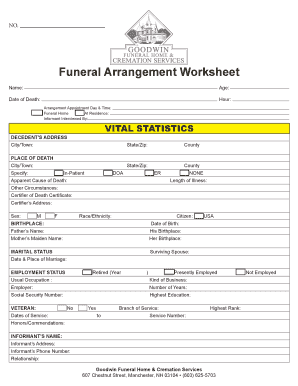
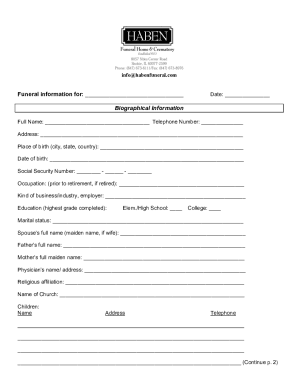
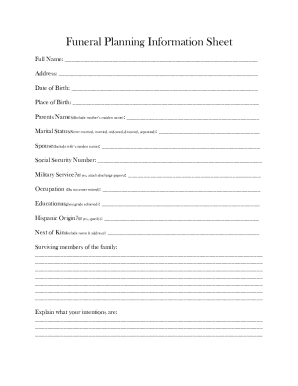
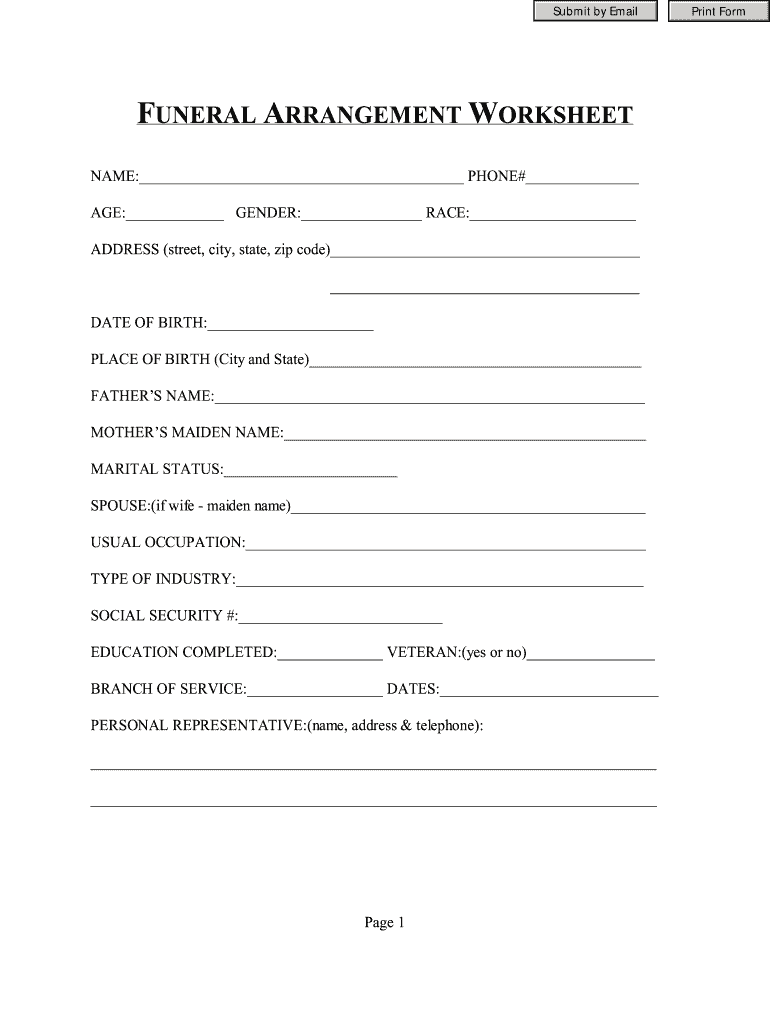
- It captures personal data including the deceased's name, age, date of birth, social security number, marital status, and occupation.
- The worksheet includes specific sections for providing obituary details and listing surviving family members for public announcements.
- Users can outline specific funeral service preferences and instructions for the final disposition of the deceased's remains.
- There is no official filing deadline for this form, as it serves as a practical tool for service coordination.
What is FL Brown Funeral and Crematory Arrangement?
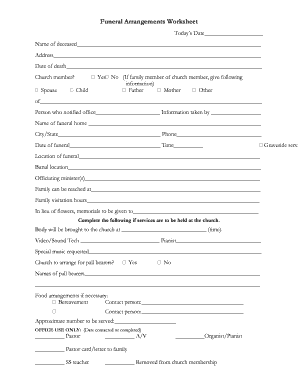
Funeral Arrangement Worksheet is a document used to collect comprehensive details about a deceased individual to facilitate the organization of their final services. This worksheet serves as a central repository for vital statistics, including the person’s full name, date of birth, and social security number. It also records their occupation and marital status to ensure that all necessary records are accurate. By centralizing this personal information, the document helps streamline the administrative aspects of the planning process during a difficult time for the family.
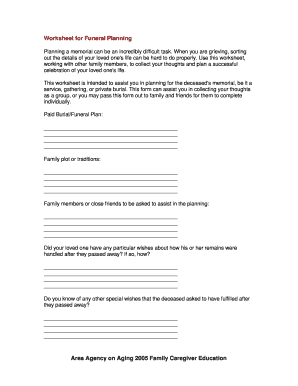
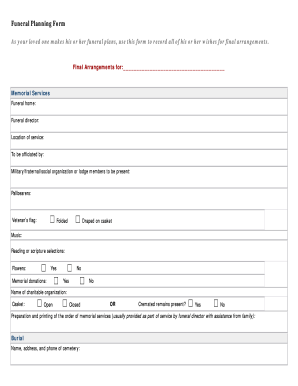
Beyond basic identification, the form captures specific preferences for the memorial and the final disposition of the remains. It includes dedicated sections for drafting obituary details and listing surviving family members. Users can outline their funeral service preferences to ensure the ceremony aligns with the wishes of the departed or their loved ones. This funeral planning form acts as a guide for funeral homes and families to coordinate every aspect of the transition with clarity and respect for the individual's history.
This document is typically provided by funeral homes or families.
Who needs the FL Brown Funeral and Crematory Arrangement — and who doesn't
Not everyone files FL Brown Funeral and Crematory Arrangement. The checklist below tells you whether it applies to your situation — and points you to the right alternative if it doesn't.
You need this FL Brown Funeral and Crematory Arrangement if…
- you are a family member organizing a funeral and need to compile personal information about the deceased.
- you represent a funeral home that must collect obituary details and service preferences from a client.
- you need to document specific instructions for final disposition and list the survivors of the deceased.
You do not need this FL Brown Funeral and Crematory Arrangement if…
- you are not involved in the funeral planning process or the preparation of obituary information.
Why you need the FL Brown Funeral and Crematory Arrangement
Why people fill out FL Brown Funeral and Crematory Arrangement, and what tends to go wrong when they don't.
-
Streamline Funeral Planning This worksheet serves as a comprehensive tool for families and funeral homes to organize essential logistics, ensuring that all funeral service preferences and final disposition details are documented in one place.
-
Capture Obituary Details The form includes dedicated sections for the deceased's personal history, occupation, and survivors, making it easier to compile accurate information for a complete and meaningful obituary tribute.
-
Facilitate Professional Coordination By providing clear instructions on service details and personal information like social security numbers, this document helps funeral homes manage administrative requirements and honor the specific wishes of the family.
-
Simplify Document Management Use pdfFiller to fill out and edit this worksheet directly in your browser. You can securely save the finished PDF or share it via a link or email with funeral directors.
What each section of FL Brown Funeral and Crematory Arrangement means
Every section explained — what it's asking, the records you'll need on hand, and the mistakes that most often cause a rejection or follow-up request.
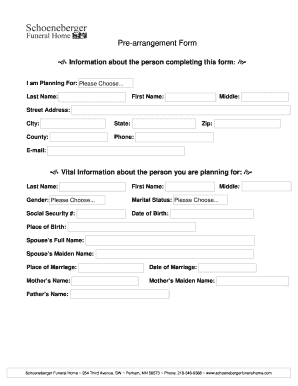
| Personal Information | Record the deceased person's full name, current age, residential address, date of birth, and social security number to provide a complete record of their personal history. |
|---|---|
| Obituary Details | Supply essential biographical information and noteworthy life events that should be included in the public obituary notice to honor the memory of the deceased individual. |
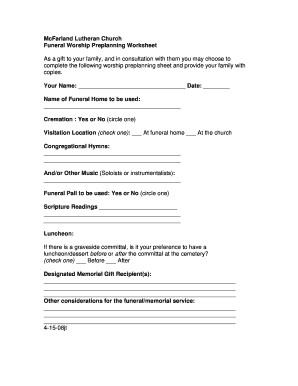
| Funeral Service Preferences | Detail specific requests for the memorial or funeral ceremony, such as the preferred location, type of service, and any special traditions or themes to follow. |
| Survivor Information | List the family members and close relatives who survive the deceased, providing their names and relationships for inclusion in service programs and public announcements. |
| Final Disposition Preferences | Indicate the preferred method for the final handling of the body, including choices between burial or cremation and specific instructions for the final resting place. |
How to fill out FL Brown Funeral and Crematory Arrangement using pdfFiller
A walkthrough from the first field to the signature line. With your records in front of you, most people finish in under ten minutes.
-
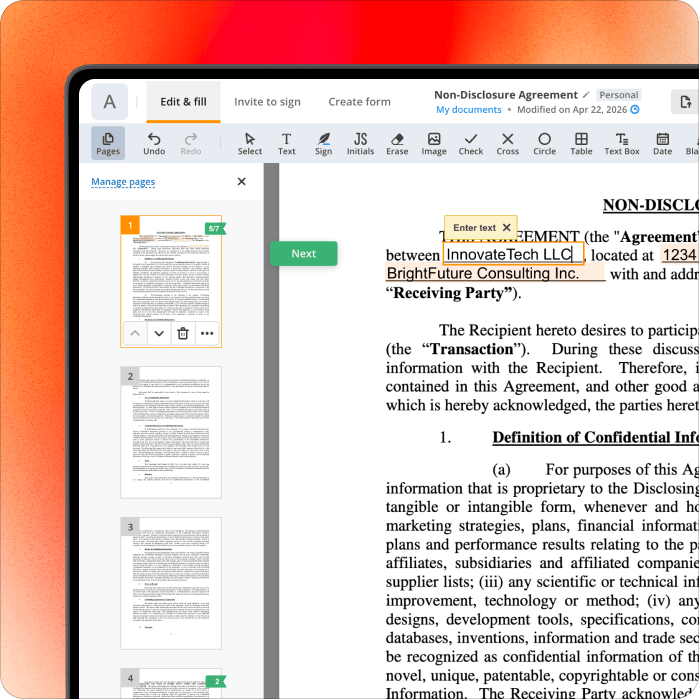
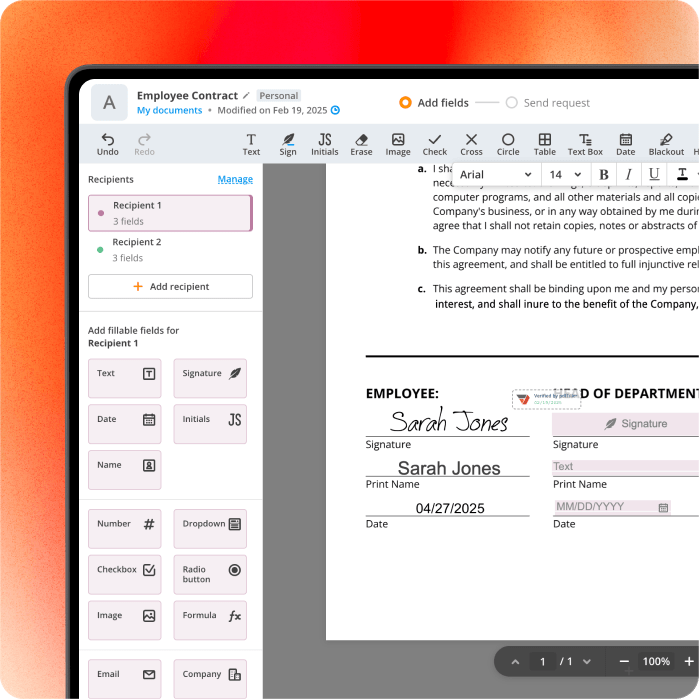
Open the Worksheet Click Get Form to open the Funeral Arrangement Worksheet in the pdfFiller editor to begin organizing the necessary details for a funeral planning form directly in your browser.
-
Enter Personal Information Use the fillable fields to type in the deceased's full name, age, address, date of birth, marital status, occupation, and social security number within the first form section.
-
Provide Obituary Details Navigate to the obituary section of the funeral arrangement worksheet and enter specific biographical information and achievements that you wish to include in a public notice or tribute.
-
Select Service Preferences Detail the funeral service preferences by clicking on the designated areas to describe the desired ceremony style, location, and other specific requests for the memorial or viewing.
-
List Family Survivors Complete the survivors section by identifying immediate family members and close relatives, ensuring all names are correctly spelled for the official record and upcoming announcements.
-
Specify Final Disposition Use the editor to record the final disposition preferences, indicating choices such as burial or cremation, and any specific cemetery or memorial park locations requested by the family.
-
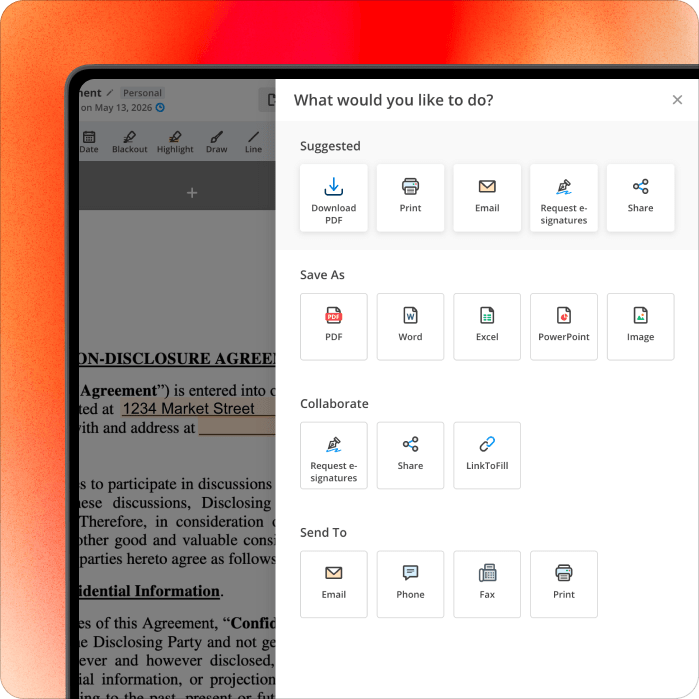
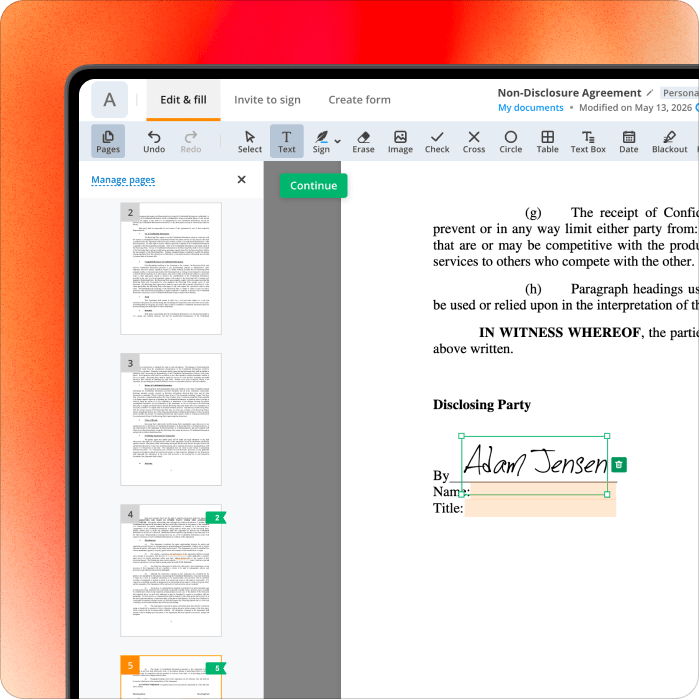
Review and Save Thoroughly check the entered data for accuracy, then use the toolbar to save your progress or download the completed document as a high-quality PDF to your local device.
-
Share or Secure Once finished, you can securely share the document with a funeral home via email or link, or keep it in pdfFiller's encrypted storage for future reference and updates.
Related content
The forms, guides, and worksheets most filers reach for alongside FL Brown Funeral and Crematory Arrangement.
Key terms used in FL Brown Funeral and Crematory Arrangement
A one-sentence glossary of the FL Brown Funeral and Crematory Arrangement terms and concepts you'll see throughout this guide.
- Obituary Details
- Specific biographical information and life highlights intended for publication in a public death notice or newspaper.
- Final Disposition
- The chosen method for the permanent handling of the deceased’s remains, such as traditional burial or cremation.
- Survivors
- A list of living family members and close relatives to be recognized during the service or in the obituary.
- Funeral Service Preferences
- Instructions regarding the desired location, style, and specific elements of the memorial ceremony for the deceased.
- Personal Information
- Essential demographic data including the deceased's full legal name, date of birth, occupation, and social security number.
Frequently asked questions about FL Brown Funeral and Crematory Arrangement
Quick answers to the questions we hear most often about completing the FL Brown Funeral and Crematory Arrangement.
The Funeral Arrangement Worksheet is used to collect comprehensive information about a deceased individual to assist in the funeral planning process. It serves as a central document for funeral homes and families to organize specific details, including personal history, service preferences, and survivor information, ensuring that final arrangements align with the wishes of the deceased and their loved ones.
This worksheet is primarily used by families planning a funeral and funeral home directors who are coordinating the services. It helps both parties stay organized by documenting essential data, such as the deceased's occupation and social security number, which are necessary for official records and organizing the memorial or burial service.
The personal information section of the worksheet includes the deceased's full name, age, residential address, date of birth, marital status, occupation, and social security number. Providing these details ensures that all legal and administrative requirements are met during the arrangement process, allowing the funeral home to handle documentation accurately on behalf of the family.
Yes, the worksheet features a dedicated section for providing specific details that will be used to draft and publish an obituary. This allows families to record biographical highlights, career achievements, and lists of survivors in one place, which simplifies the process of communicating funeral details and the life story of the deceased to the public.
You can use the Funeral Arrangement Worksheet to outline preferences for final disposition, such as burial or cremation choices. This section allows individuals or their families to clearly state their wishes regarding the handling of remains, ensuring that the funeral service and final resting place are handled according to the specific requirements of the deceased.
You can fill out, edit, and manage the Funeral Arrangement Worksheet digitally using pdfFiller, which allows you to complete the document directly in your web browser. The platform enables you to add text, save the finished PDF to secure encrypted storage, and share the completed worksheet with others via email or a direct link.